
Writing Lens & Banned Words (Beta)
NovelThread ships two purely local checks: the "Writing Lens" marks wording issues as you write, and banned-word checks sweep for risky terms by category before you submit. Both run on this machine only — no prose is ever uploaded.
Steps
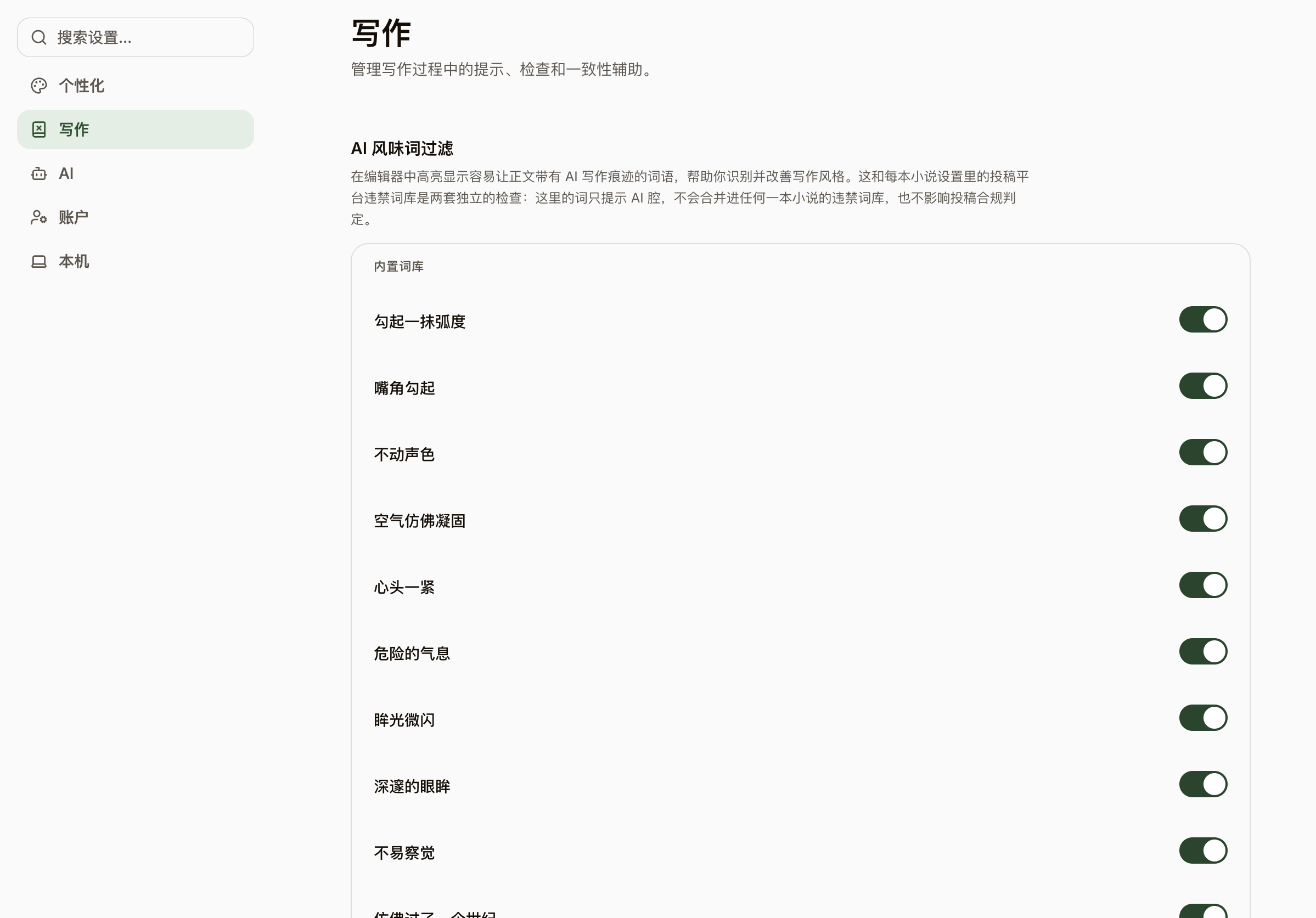
- Open any chapter and the "Writing Lens" runs automatically: flagged phrasing gets a faint dotted underline, and hovering shows the signal category and craft direction — it describes the writing only, never who wrote it.
- Tired of a certain hint? In the hover card, choose "Stop flagging this kind" or "Stop flagging this word", scoped to this book or all books; every muted entry can be undone from settings, one by one.
- Before submitting, open this book’s Settings → Publishing & Checks and enable "Banned-word checks": everything ships off by default — tick just the categories and risk levels you want (weapons, drugs, gambling, and more).
- Checking also happens locally and is advisory only — passing or blocking is still the platform’s call; today’s lexicon is an experimental starter set and keeps growing.