
On-Device Hosted Writing
Want the AI to write through a batch of chapters? "On-device hosted writing" advances chapter by chapter inside the plan you approved — execution happens entirely on your computer, never in the cloud, with every step on the record.
Steps
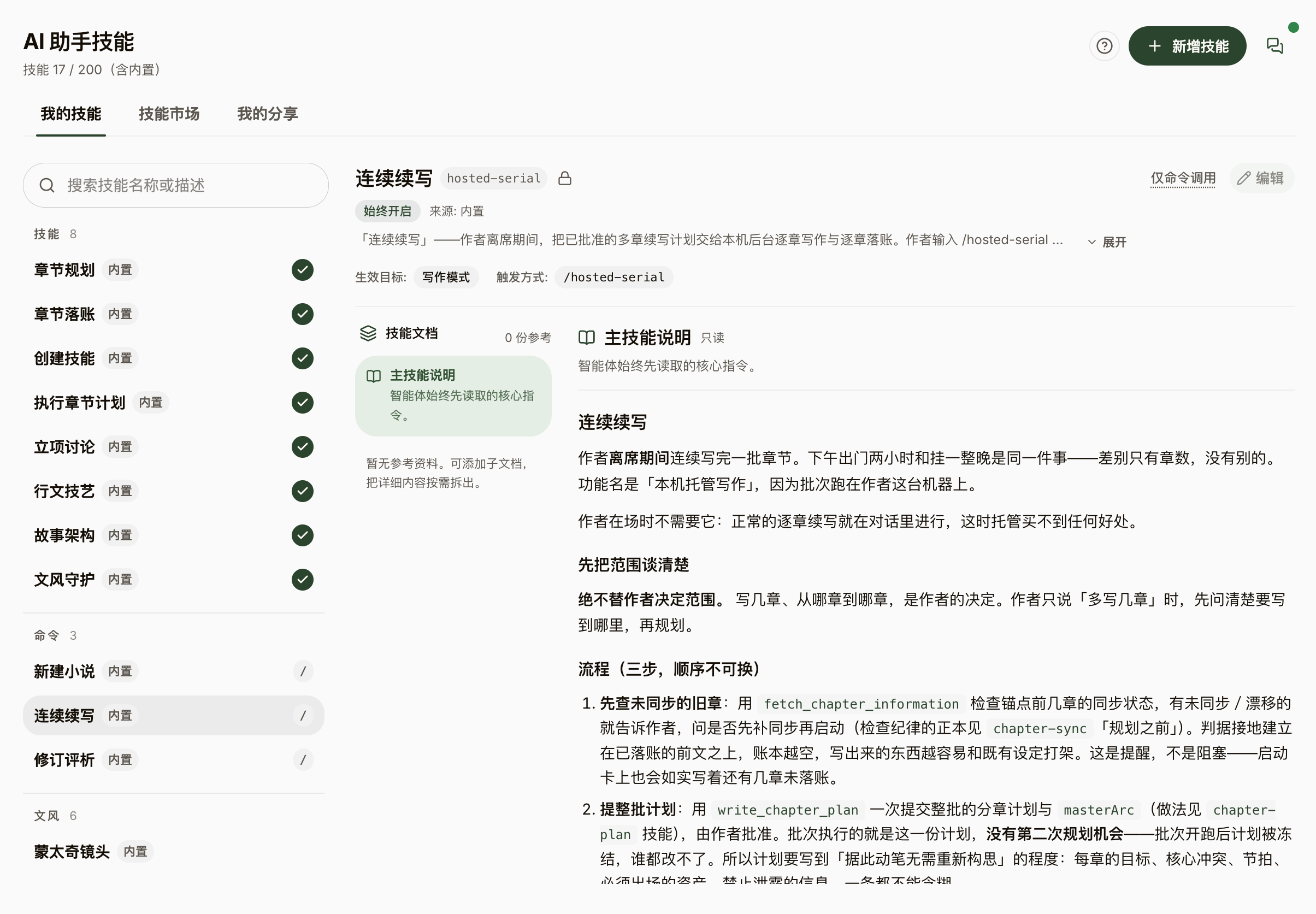
- Start from the "Continuous Writing" entry on a work’s Home or a slash command in the conversation: the AI first shows a plan summary — chapter range, model, master outline and per-chapter plans — and launches only after you approve.
- The launch card discloses the authorized scope and power conditions plainly: keep the app running, stay plugged in, keep the lid open; a failed chapter retries once automatically, and no per-step pop-ups interrupt you meanwhile.
- A live batch card in the conversation shows progress in real time — "Chapter X/Y · N words written" and "Writing · {title}"; when something needs your call (a plot decision, exhausted quota, repeated failures), it pauses for your reply.
- Pause (finishing the current chapter first), resume, or terminate anytime; on termination everything already written is kept.
- When it finishes, the work’s Home shows a batch report: prose completed, story recorded, and consistency review reported as three separate lines — any system sleep during the run is disclosed honestly too.