
Local-First & Cross-Device Sync
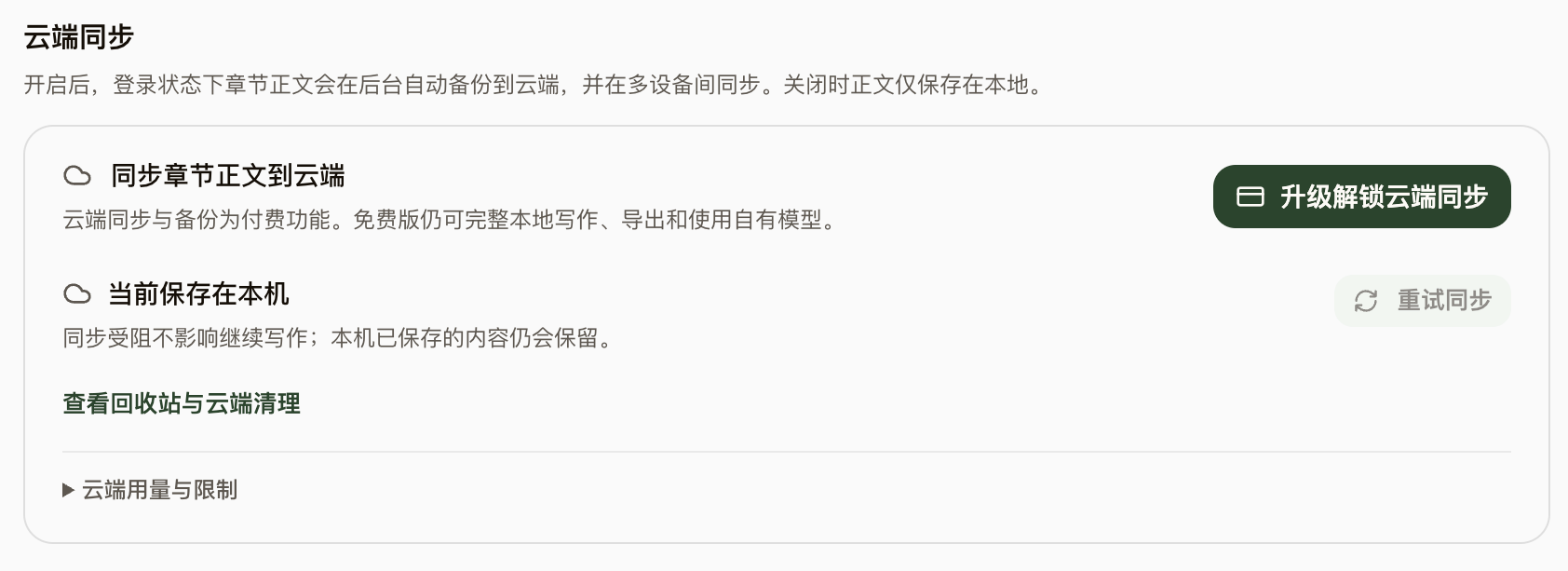
Everything lives on your machine by default, and you can write fully offline without an account. Subscribe to enable cloud sync and backup across devices; whether your prose goes to the cloud is always your call.
Steps
- NovelThread is built on local SQLite storage: without signing in or going online you can still create works, write, and manage settings — your data stays entirely on your machine.
- Cloud sync and backup is a paid capability and is off by default: after signing in and subscribing, enable it explicitly under Account → Cloud Sync before works, settings, and chapter prose start syncing.
- Chapter prose syncs via conflict-free merging (CRDT), so simultaneous edits on multiple devices blend safely; switch devices by signing into the same account.
- If your subscription lapses, your cloud backup is retained for a grace period (currently 30 days): read-only and restorable during that window, with no new uploads; local data is never affected.
- Sign in with Google or Apple only; deleted works go to the trash first and are permanently removed after 30 days.