Asset-Driven Story Bible
Characters, locations, items, factions, rules, events, and custom — seven asset types, centralized in the Asset Library. The AI senses relevant settings as it writes, keeping long books consistent, and assets can be reused across novels.
Steps
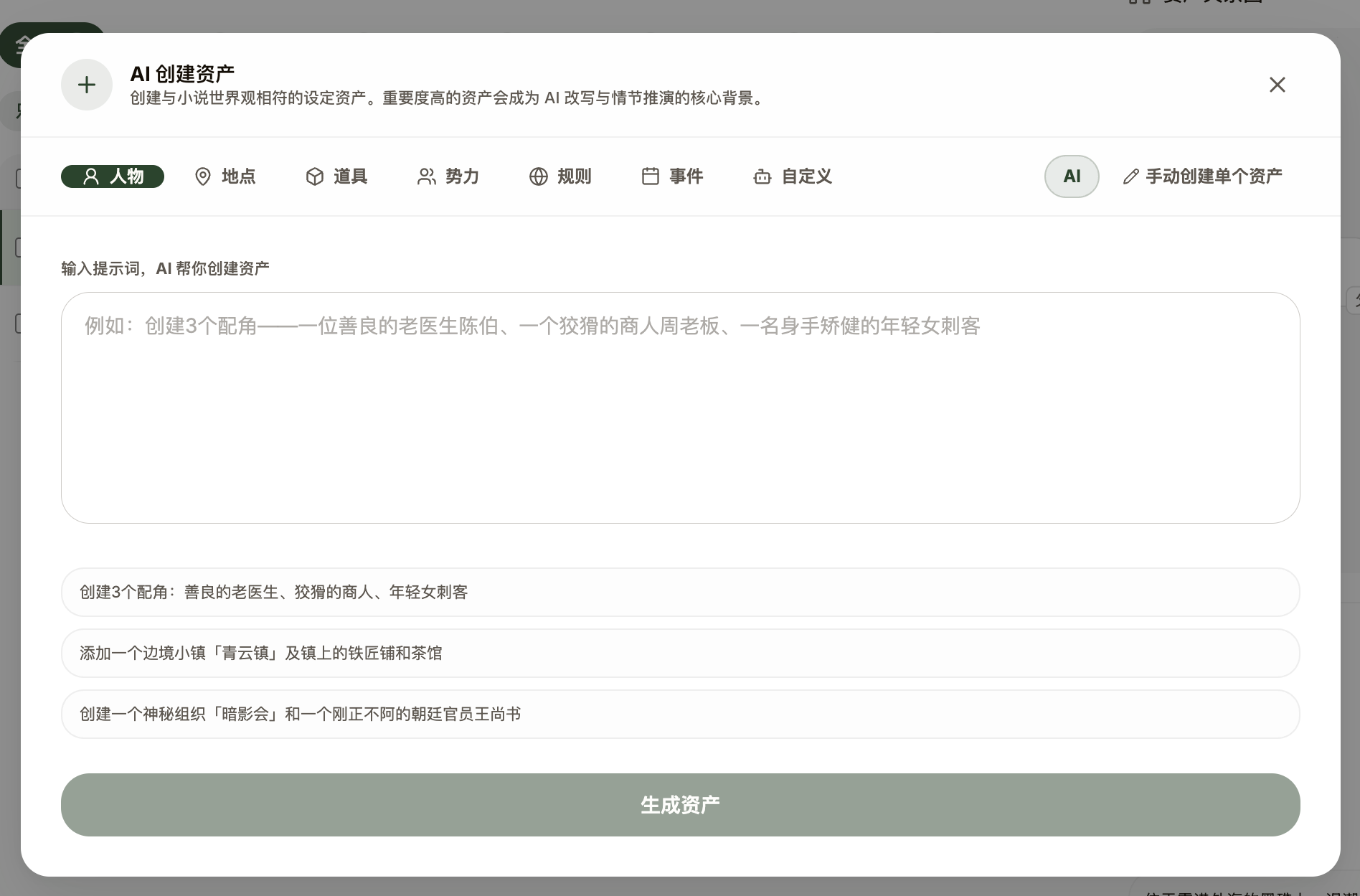
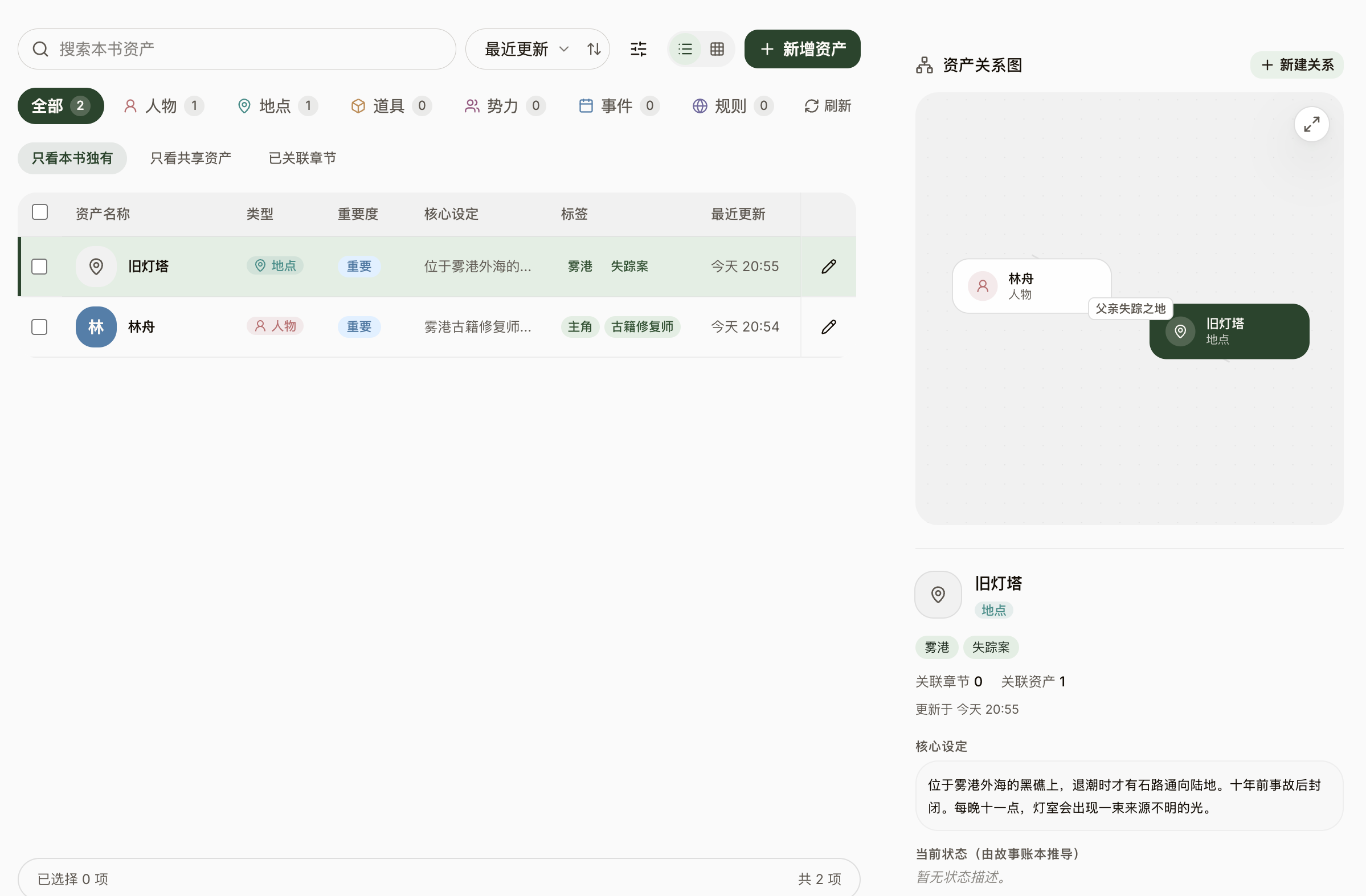
- Switch to the "Asset Library" in the workspace — the hub for every setting, filterable by seven types: Character, Location, Item, Faction, Rule, Event, and Custom, plus a "Relations" tab for the links between assets.
- When creating an asset, fill in the common fields: name, core setting (system-protected, never changed by AI), current status (the AI may update it as the plot moves), search tags, importance (Normal / Important / Core), and a cover.
- Let AI do it: describe what you want in "AI Create Assets" and NovelThread generates editable draft cards you confirm with "Create all"; or select a prose excerpt to extract a single asset card in one click.
- Assets carry a scope: global or this-book. Global assets can be shared across novels and managed in the "Asset Library"; a book’s library shows its own assets plus linked global ones.
- A card’s "How the AI uses this card" explains when it enters the AI’s context, so your settings actually serve the writing.