
Models & Providers
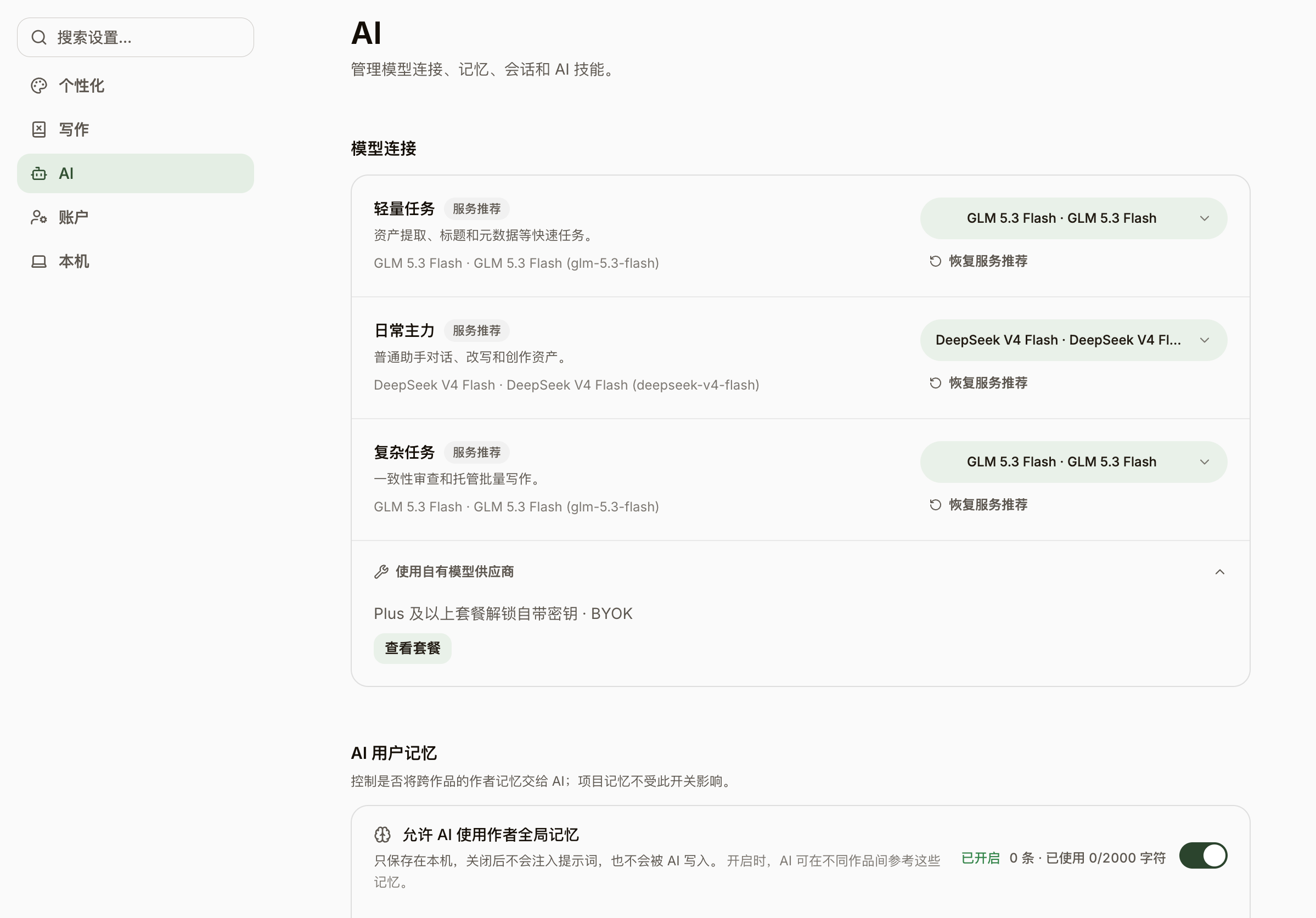
NovelThread isn’t tied to one model. Connect any OpenAI-compatible provider with your own API key for a direct local connection; once signed in, you can also use official cloud models with zero setup.
Steps
- Go to Settings → Model Connections, click add provider, and choose a type: OpenAI-compatible, DeepSeek, OpenRouter, OpenCode Zen, sub2api, or Custom.
- Picking a preset fills in the Base URL and a default model; enter your API key (encrypted and stored on your machine) and click "Test connection" to verify.
- In advanced options, tune temperature, max tokens, reasoning effort (multiple levels from off to max), and context window; set one default text provider to drive your writing.
- Sign in to use "official cloud models" directly: no key needed, with higher-tier models unlocked by your subscription, so there’s nothing to configure.
- V1 does not provide AI image generation. Upload novel covers and reference images from your device; images are never sent to text models.