Import & Export
Bring old drafts in, take finished work out. NovelThread imports from txt / md and exports to TXT, Markdown, EPUB, or Word — all done on your machine, with nothing uploaded.
Download NovelThread — macOS & Windows · View download details
Steps
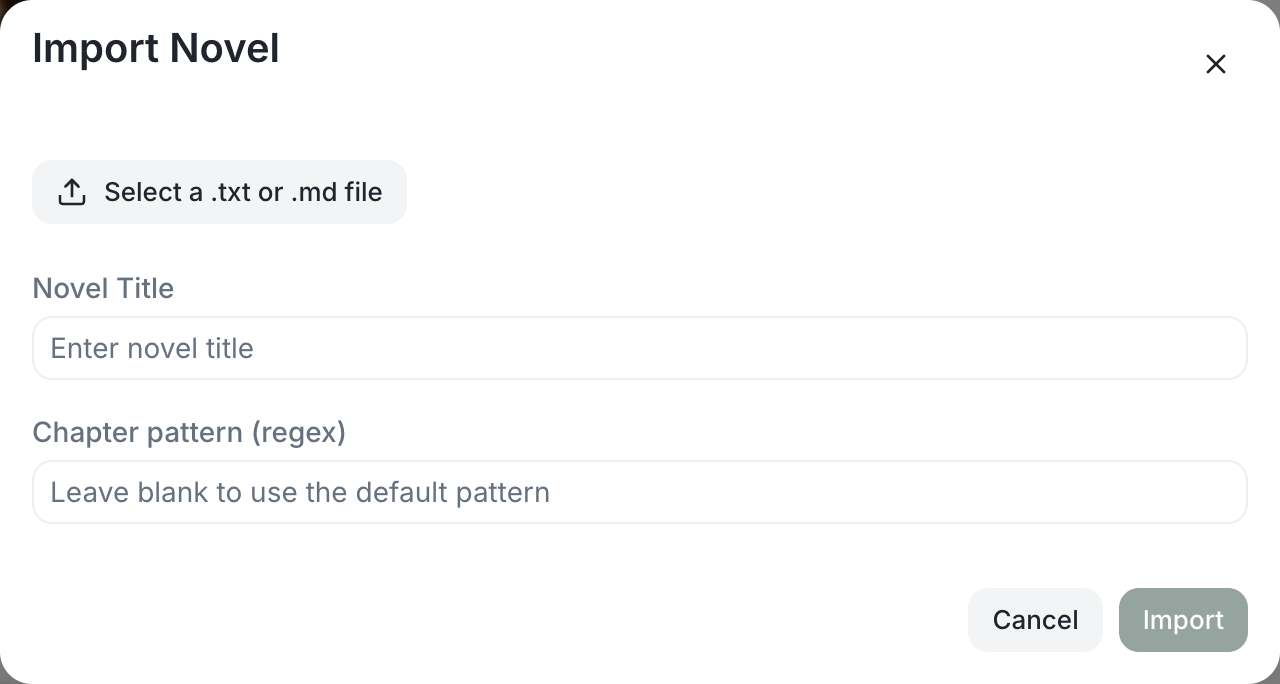
- Import: on Home click "Import Project" and choose a .txt or .md file.
- NovelThread splits chapters by rule: for txt, a built-in Chinese chapter regex (Chapter N / Volume / Prologue / Prelude / Epilogue / Extra) or your own regex; for md, headings up to level two. It then shows "N chapters detected".
- Confirm to create a new work (title and chapter prose only); from there you can add your story bible and keep writing in NovelThread.
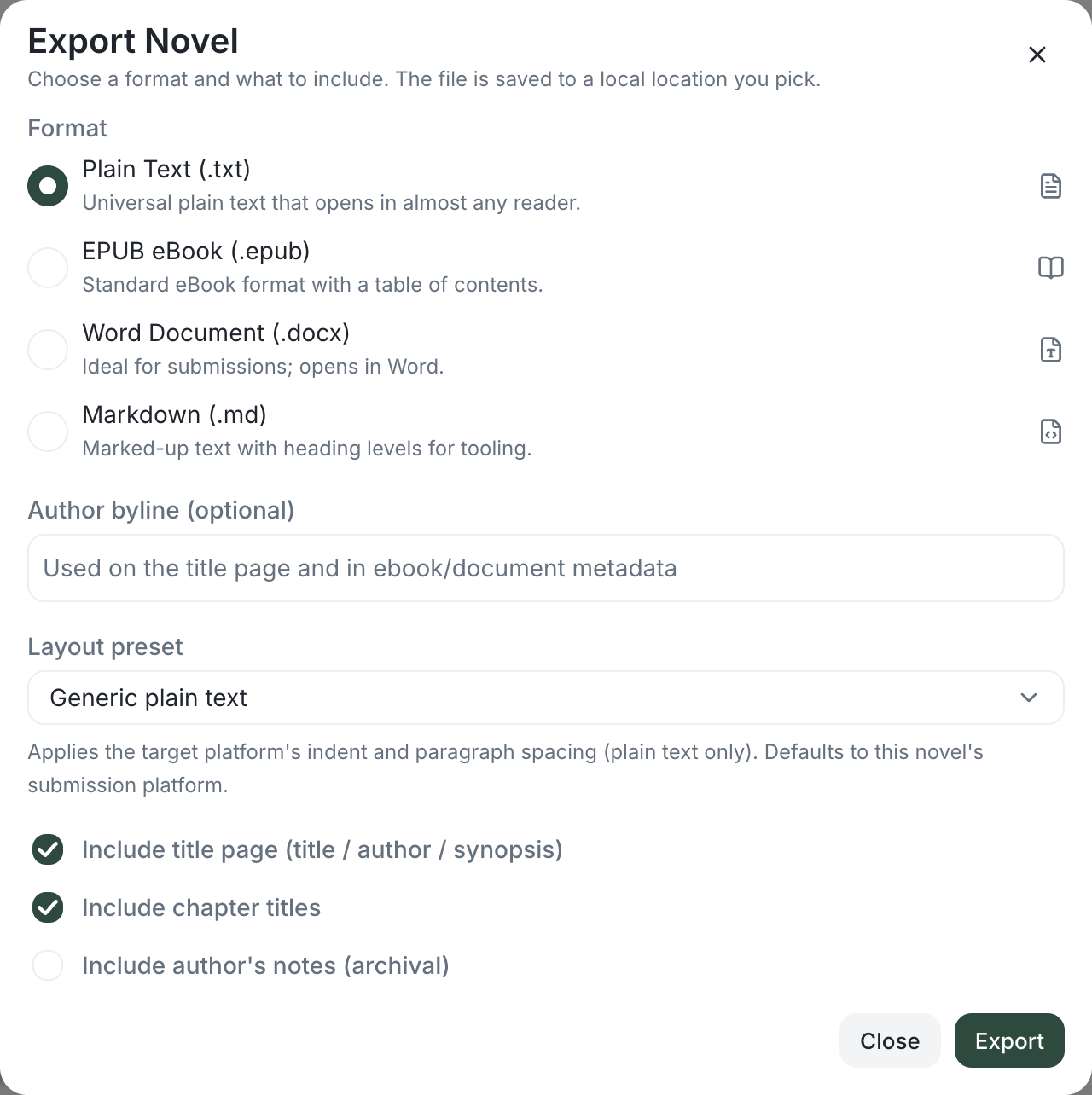
- Export: go to a work’s Settings → Export, and choose a format — Plain Text (.txt), Markdown (.md), EPUB ebook (.epub), or Word document (.docx).
- Tick whether to "include a title page (title / author / synopsis)" and "include chapter titles"; the file saves straight to your machine, and you’re shown the export path when done.
When submitting to a supported platform, use platform copy to prepare the title, prose, and author notes for that platform.