
YOUR NOVEL WORKSPACE
Character references and relationships.
Keep character references and a relationship graph with the manuscript, ready to consult and update.
Download for Mac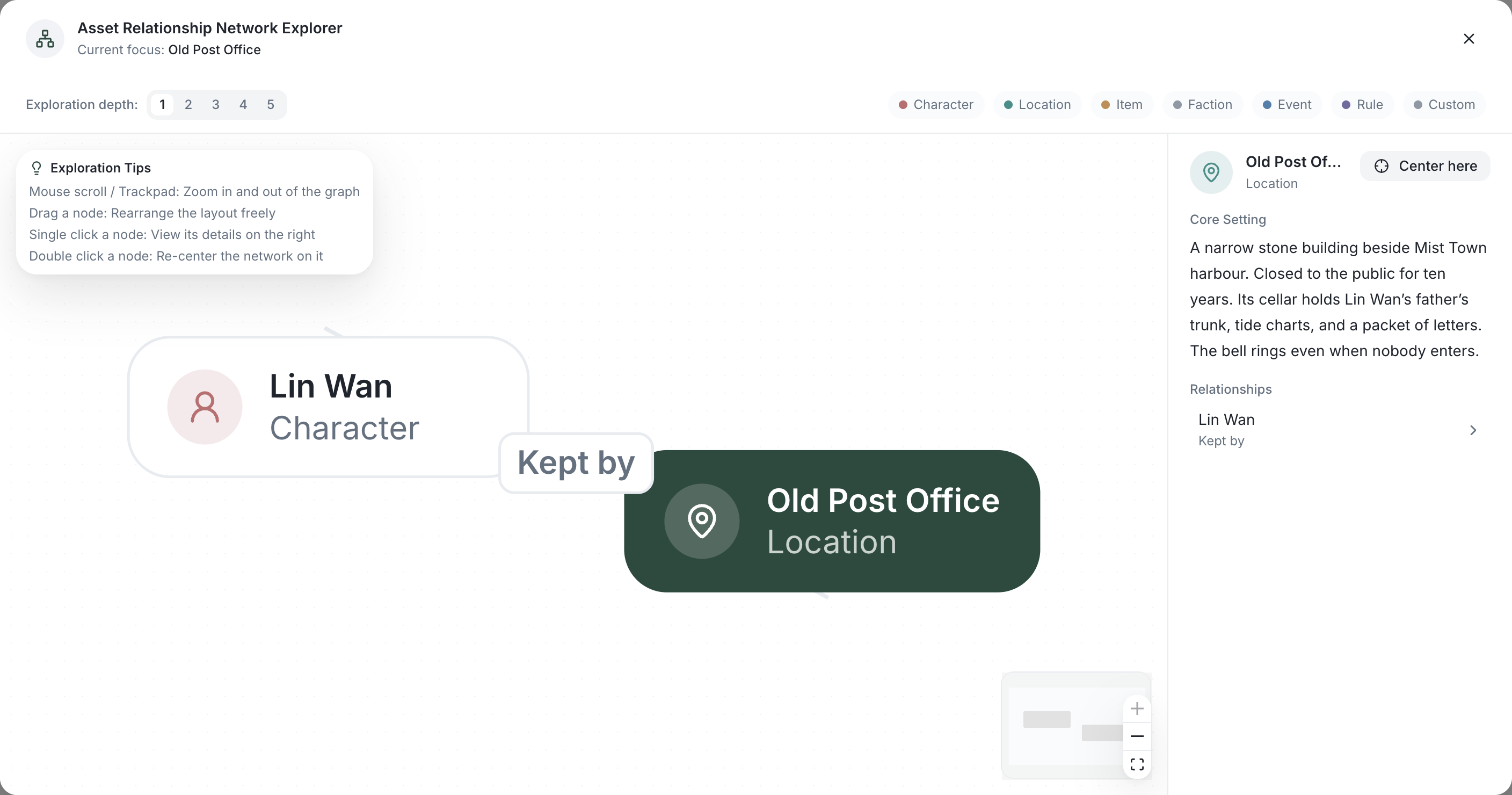
Start with the writing problem
A character sheet records who Mara is and what she wants. A story bible also records locations, objects and world rules. A relationship records a connection: Mara owes the lighthouse keeper a favor, but suspects him of hiding the letter. After Chapter 3, update the connection to uneasy cooperation and link the change to the chapter.
A workflow you can keep using
- Create character references with motives, background, and current goals.
- Organize connections in the relationship graph and describe what each means.
- Consult characters and chapters in the same novel, then update references when the story changes.
A worked example
A character sheet records who Mara is and what she wants. A story bible also records locations, objects and world rules. A relationship records a connection: Mara owes the lighthouse keeper a favor, but suspects him of hiding the letter. After Chapter 3, update the connection to uneasy cooperation and link the change to the chapter.
Download the writing worksheet (Markdown)Review the result
A graph shows the relationships you record. It does not automatically establish every connection in the manuscript. Update motives and links after plot changes, and verify any AI suggestion against the chapter.
Read the complete writing guideAI and your data
Inline rewrites require confirmation. Agent changes follow your permissions: Manual asks for approval where required; Automatic can execute authorized changes. Read the result and review story records after drafting.
Read the method and guide →